Build the circuit. Write the code. Run it.
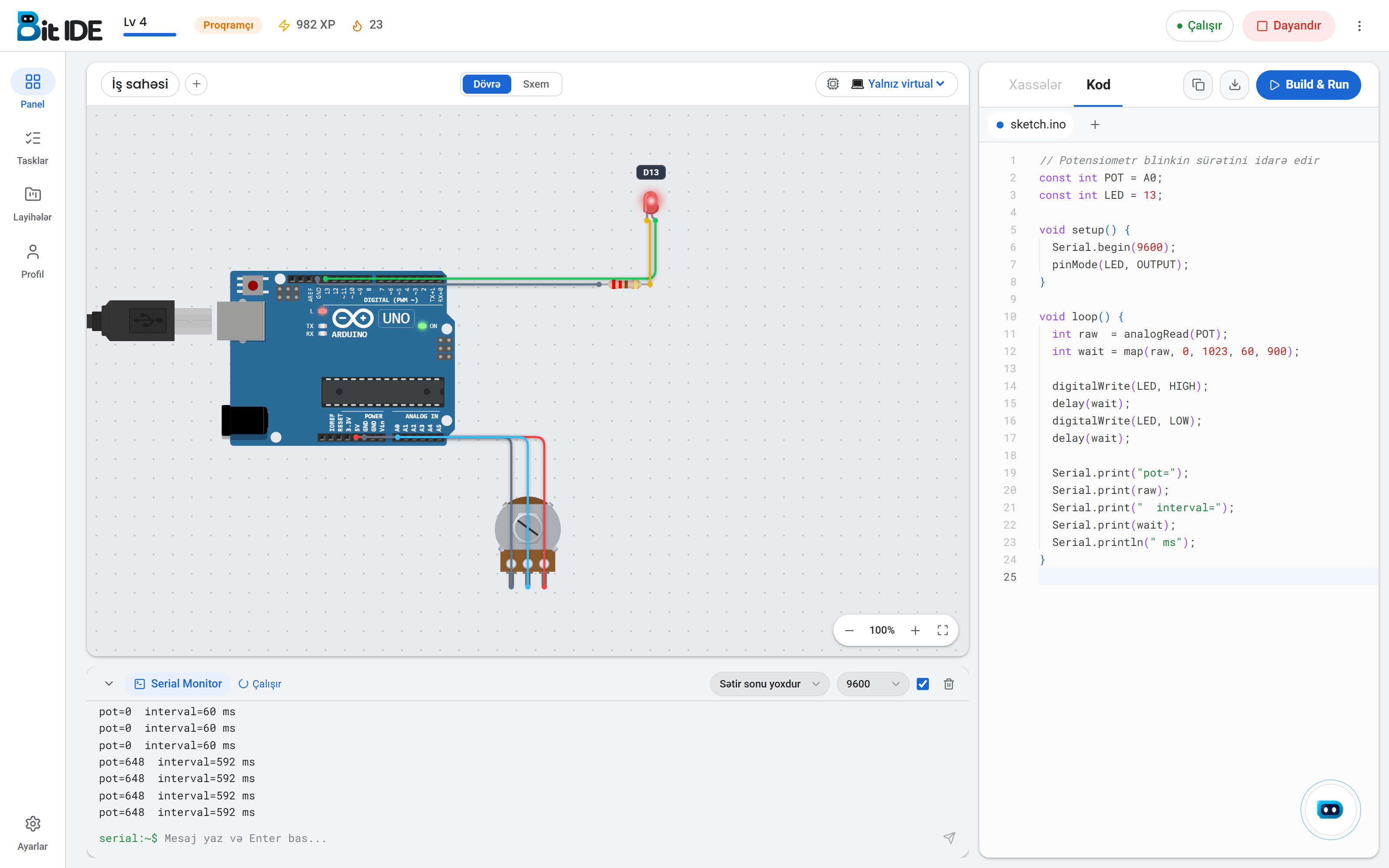
An Arduino and ESP32 simulator that behaves like real hardware.
300+real-world industry tasks
50+sensors and components
4microcontroller boards
01 Circuit
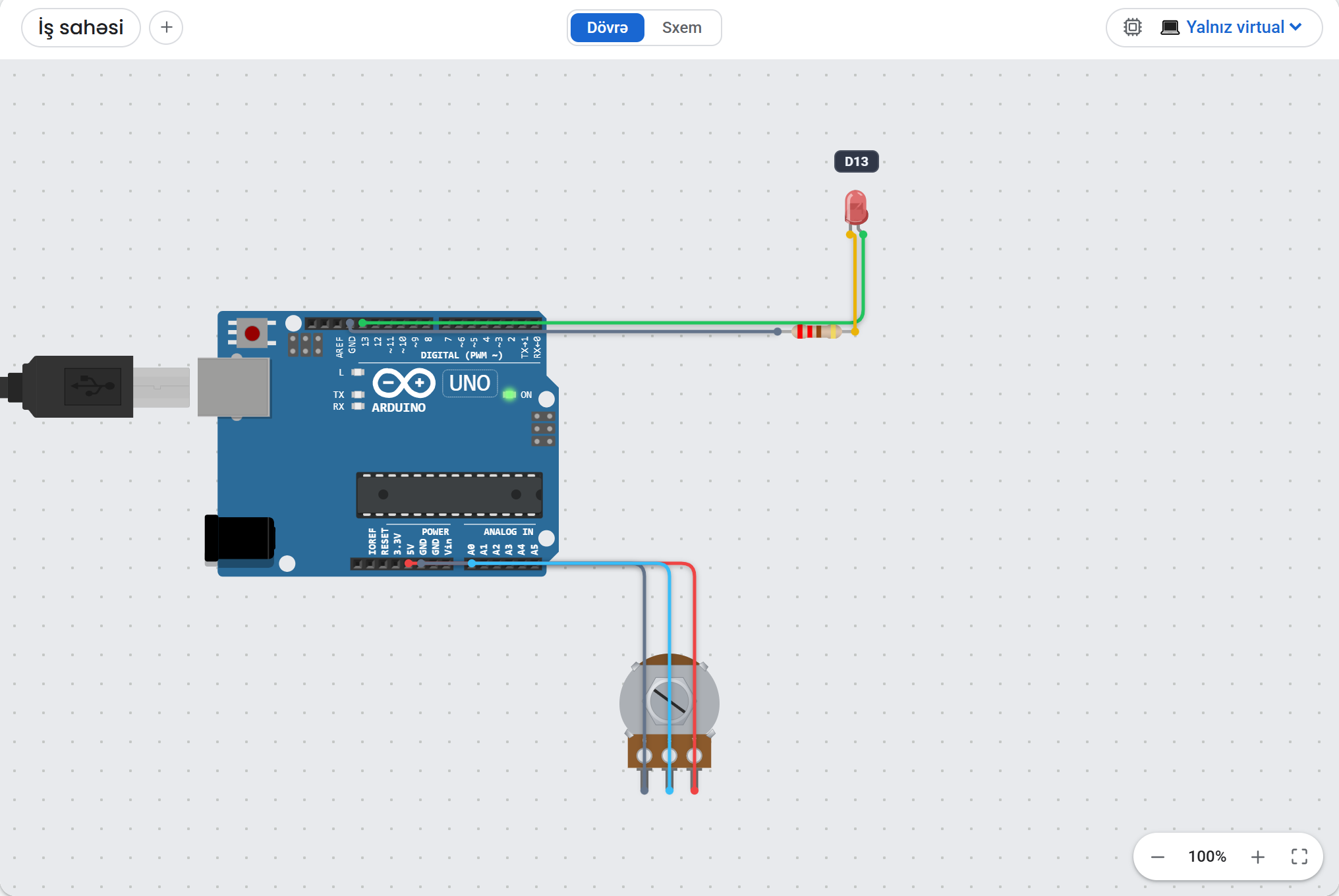
A board that can fail like a real one
Most simulators show what the code does.
You draw every wire
Drop a part on the canvas, drag pin to pin.
Every wire belongs to a pin.
Real compiler, real errors
On the desktop the sketch is built with the actual Arduino toolchain.
In the browser a built-in interpreter starts instantly.
Uno, Mega, Nano, ESP32
Displays and libraries
Parts that move
02 Academy
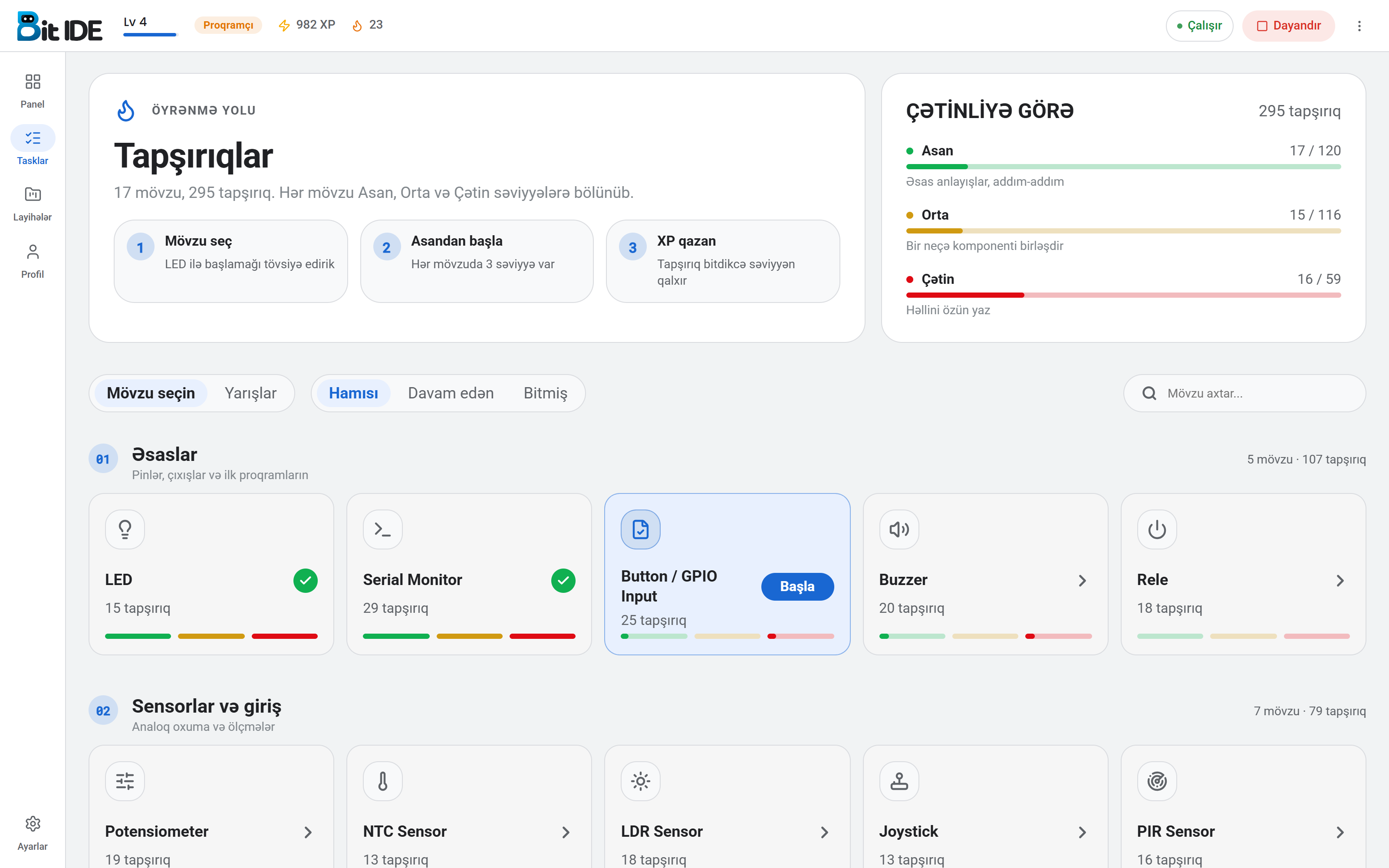
From the first LED to a keypad matrix
Every topic has three levels.
The checker is not fooled
Printing “LED on” proves nothing.
Choose your next challenge.
Easy120 tasks
Medium116 tasks
Hard59 tasks
Each card shows its task count.
LED15
Serial Monitor29
Button / GPIO25
Buzzer20
Relay18
Potentiometer19
NTC13
LDR18
RGB LED / PWM18
Passive buzzer15
Joystick13
Servo14
Stepper14
DC motor14
PIR16
LCD16
Keypad18
Contestsper group
03 Streak
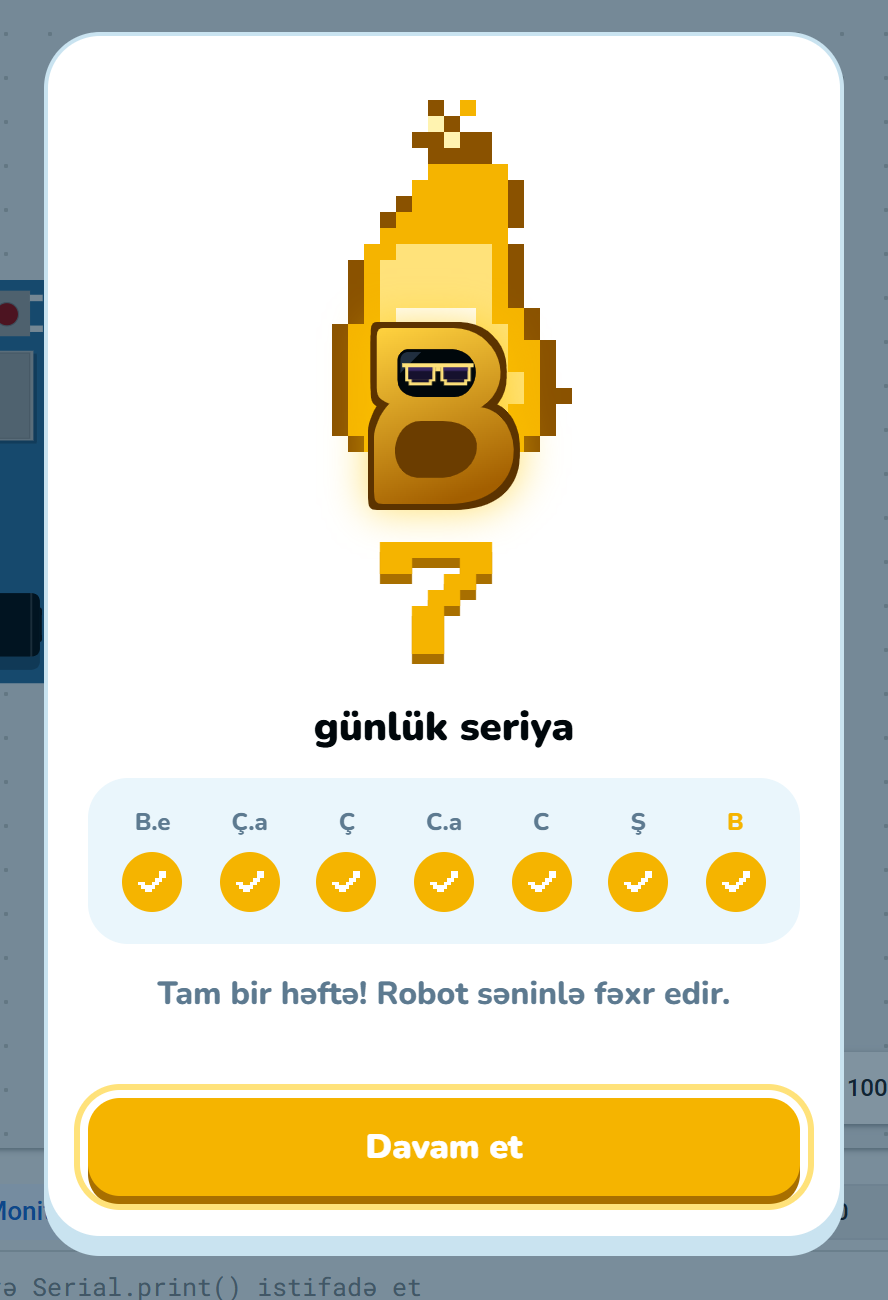
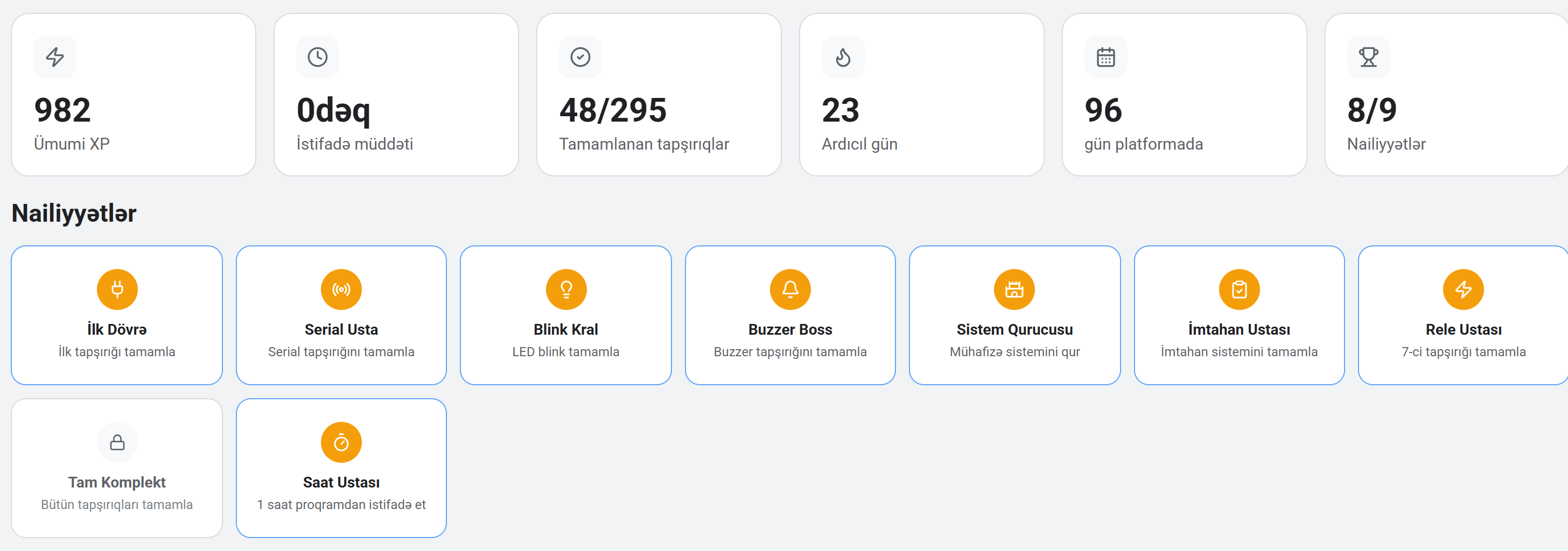
A little every day
Electronics is not learned overnight.
Badges mean something
Each badge marks a job finished.
982 total XP
23-day streak
48/295 tasks
8/9 badges
Badges.
04 Classroom
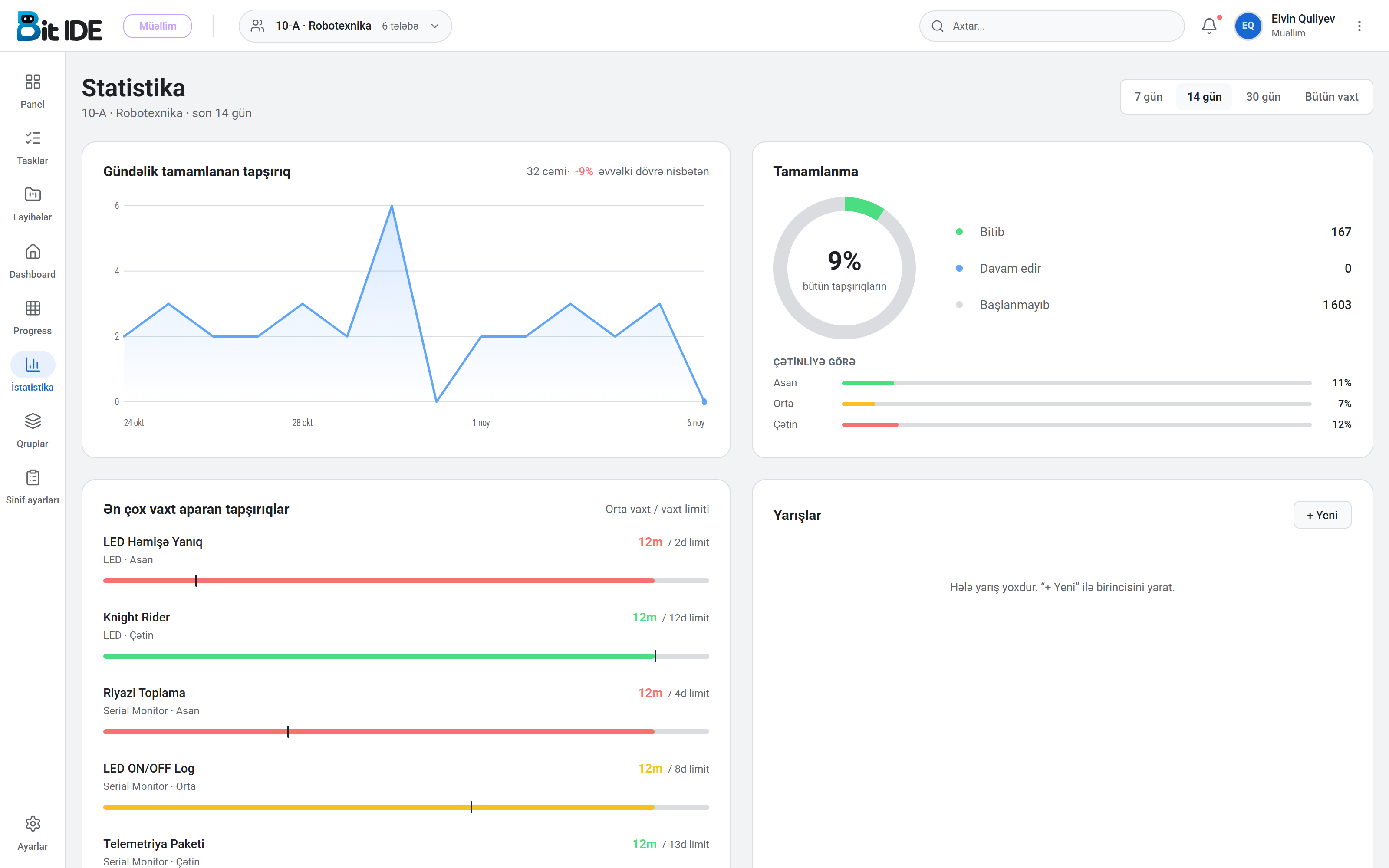
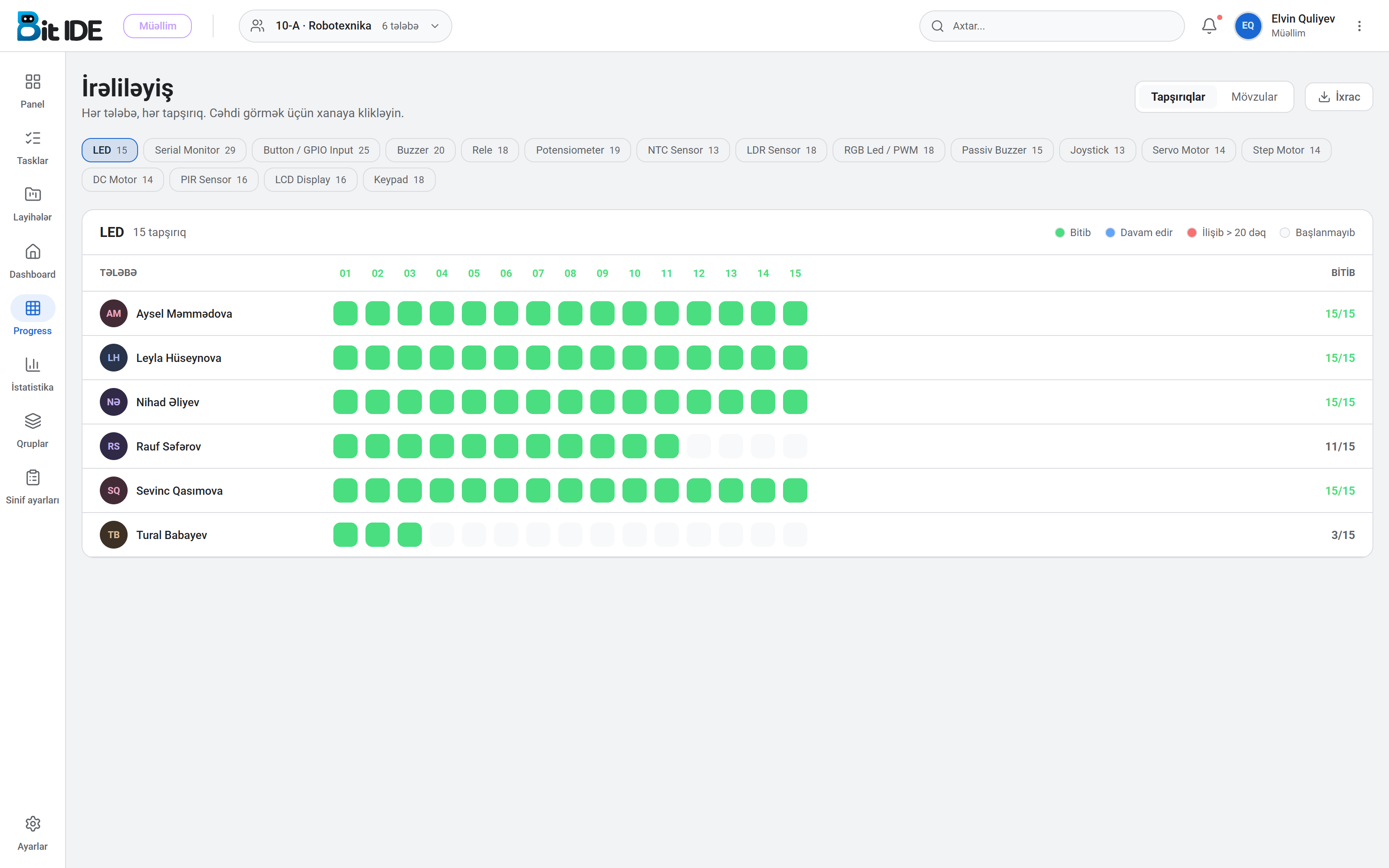
The whole class on one screen
The teacher opens a group, students join with a code.
Daily completions.
Click a cell to see the attempt
Rows are students, columns are tasks.
05 About
Why we started
- Version
- 0.3.2
- Platforms
- Windows · macOS · Linux · browser
- Boards
- Uno · Mega · Nano · ESP32
- Tasks
- 300+
- Topics
- 17
- Component catalog
- 50+ sensors and modules
- Interface languages
- az · en · ru · tr
- Works offline
- yes (desktop)
- Price
- free
06 Team
Who builds 8Bit
These cards are placeholders.
07 Conference
Conference
This section is still being prepared
Date, venue, programme and registration will go here.
Two minutes to your first circuit
Install it, open it, drop an Uno and an LED on the canvas.